VSPhoenixX Photo Card Update Notice
Hello, this is PHOENIXDARTS.
The VSPhoenixX Photo Card feature is getting a fresh update with more frame options and a more convenient photo storage feature!
Update date: Monday, July 6, 2026
1. Photo Card Frame and Shooting Method Update
Five new frames will be added to the existing three Photo Card frames, giving you a total of eight frames to choose from! After the game ends, select four frames you like, and a total of four photos will be taken, one for each frame, in the order you selected.
How to Take Photos
STEP 1. Select Frames
Select four frames you like from a total of eight frames.
STEP 2. Take Photos
A total of four photos will be taken in the order of the selected frames.
- • 1st photo: Taken after 5 seconds
- • 2nd photo: Taken after 4 seconds
- • 3rd photo: Taken after 3 seconds
- • 4th photo: Taken after 2 seconds
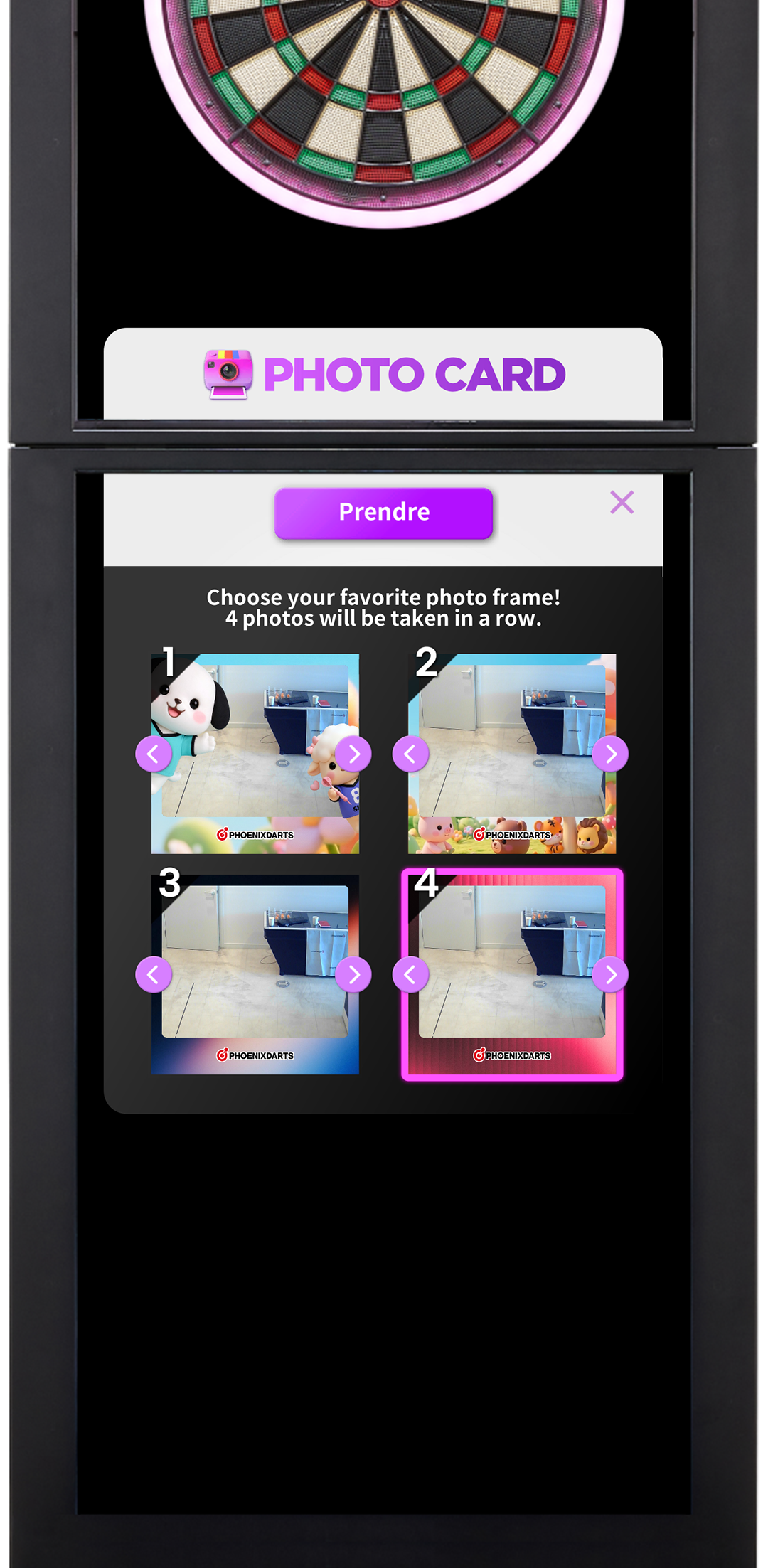
Frame Selection
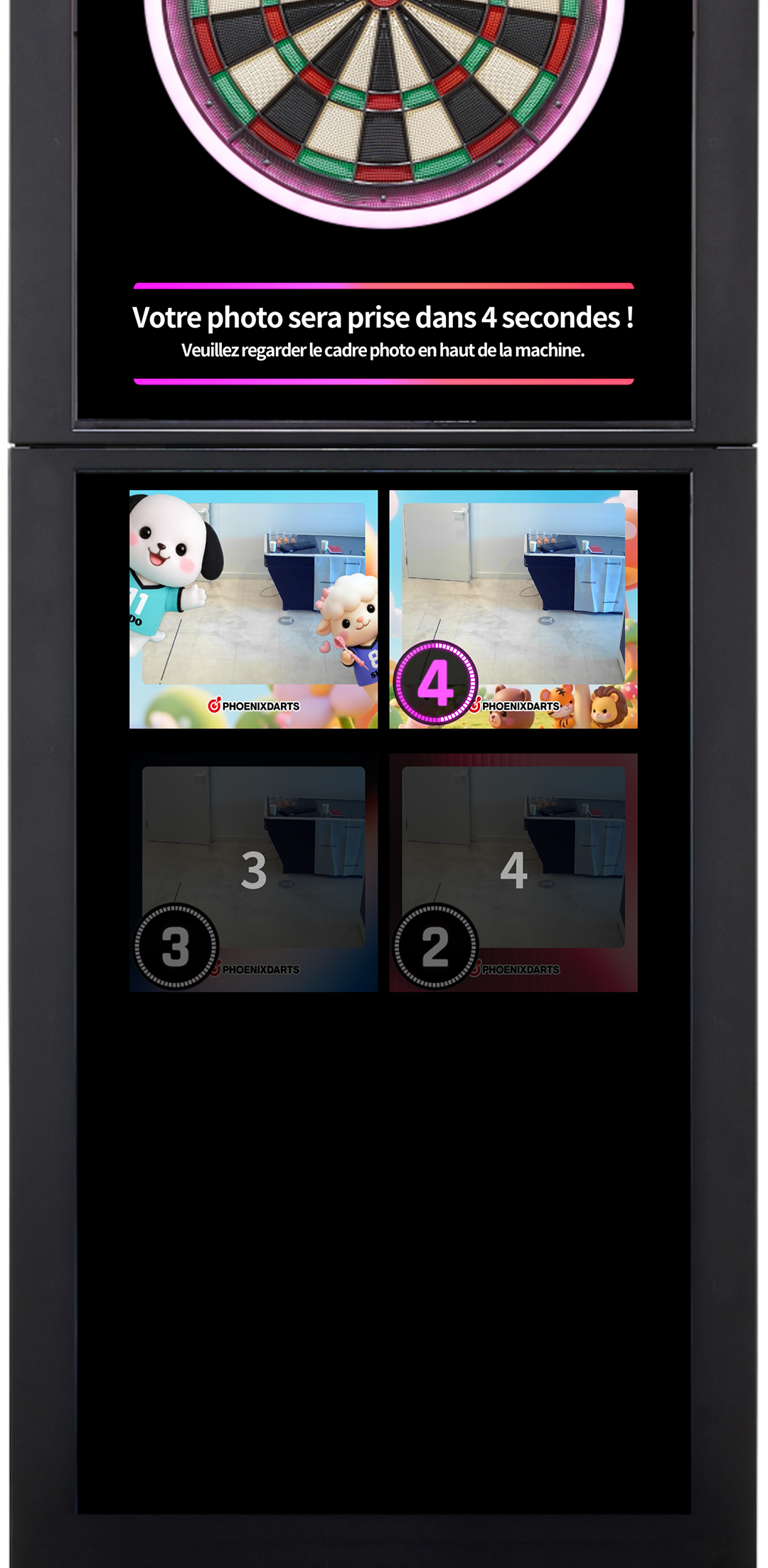
Photo Shooting
2. Photo Card Storage Feature Added to the PHOENIXDARTS mobile app
PHOENIXDARTS members can view and save up to 20 photos taken with Photo Card from the Photo Card menu in the PHOENIXDARTS mobile app.
If more than 20 photos are stored, the oldest photos will be deleted automatically in order, and only the latest 20 photos will be kept.
3. How Members and Non-Members Can View Photos
PHOENIXDARTS Members
- • Photos can be viewed and saved from the Photo Card menu in the PHOENIXDARTS mobile app
- • Up to 20 photos can be stored
Non-Members
- • As before, in-app photo storage is not provided
- • Photos can be downloaded through the QR code generated after the game ends
Capture even more fun moments from your games with the newly updated Photo Card📸
Thank you.