







How to Register for Pre-Existing Members
-
This is a step-by-step guide to FACE CHECK-IN registration for pre-existing members.
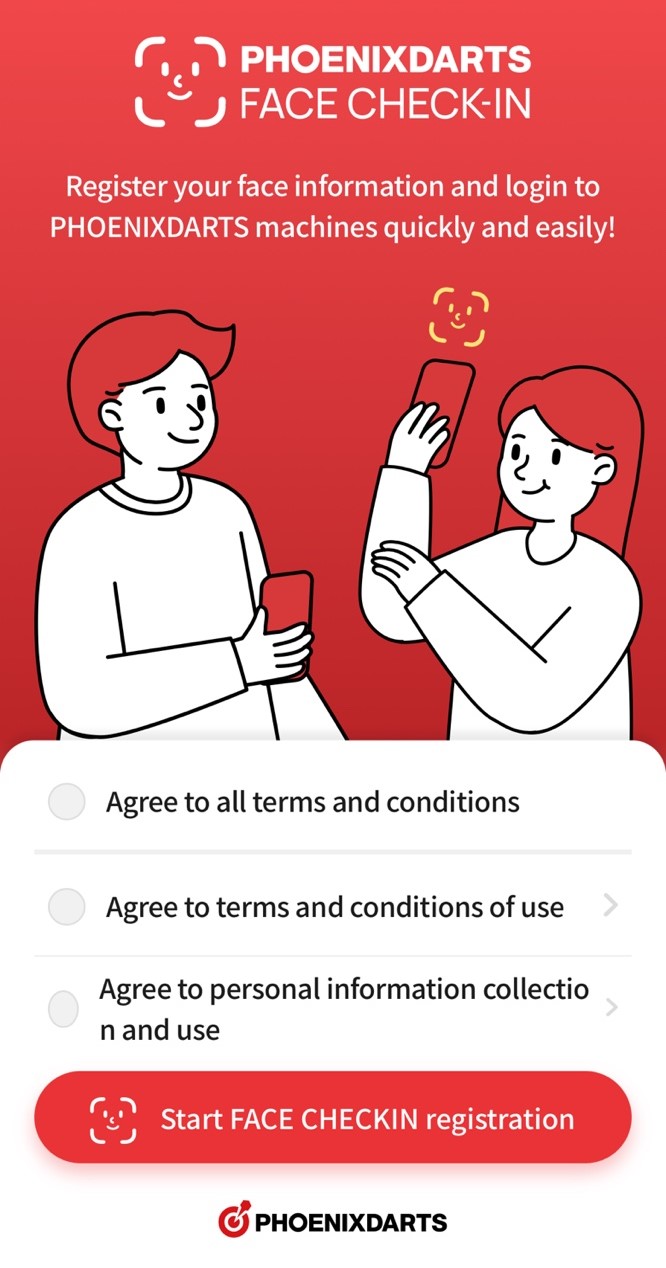
1. Go to the Registration Page
GO TO PAGE
Agree to the terms and conditions, then press the [Start FACE CHECK-IN Registration] button.
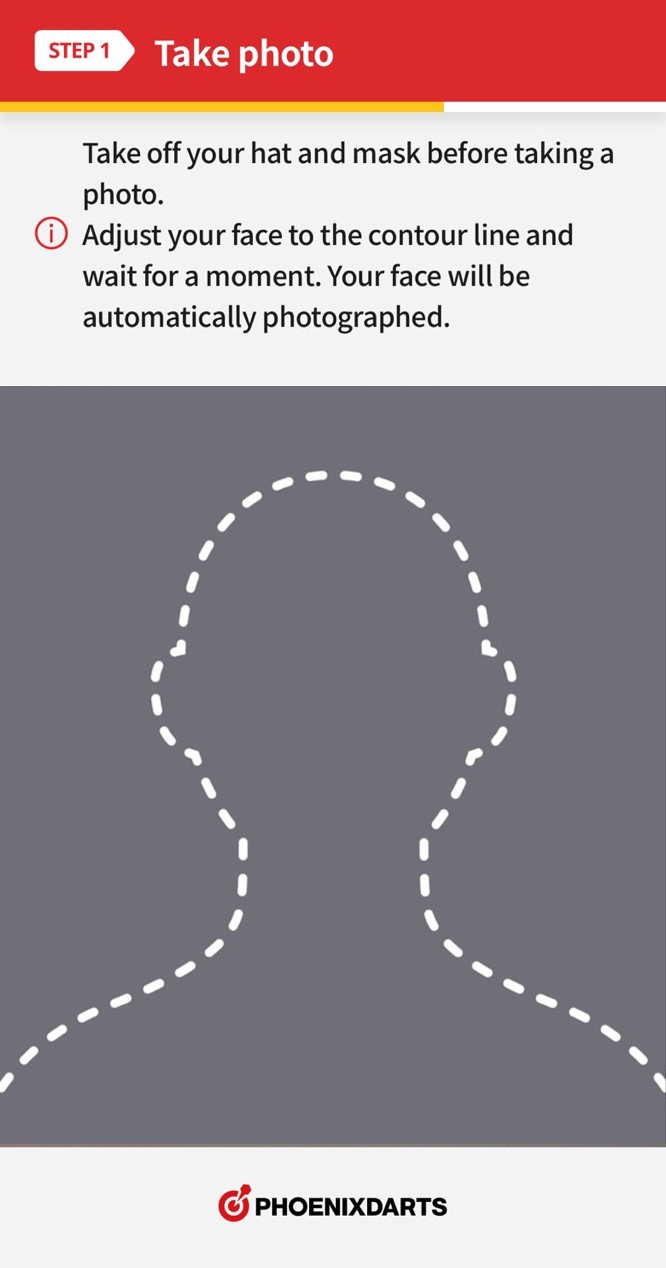
2. Take a Photo
Please remove any hats or masks while taking the photo.
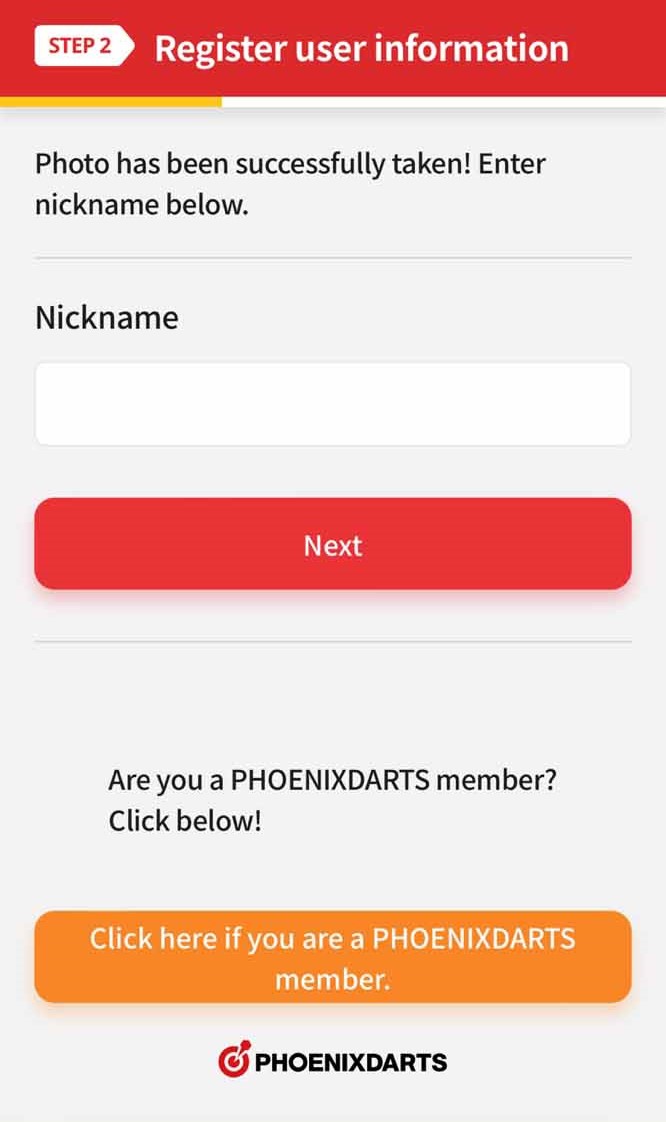
3. Register User Information
Please click [Phoenixdarts Members Here!].
※ If you are already logged in, you will be taken to the 5th step.
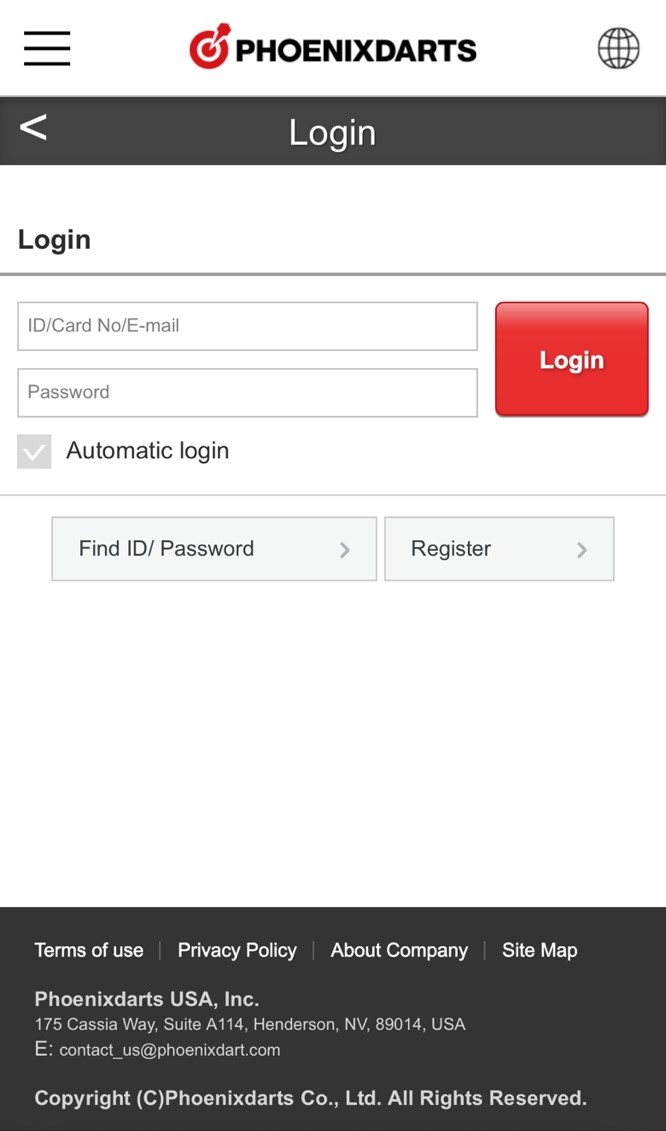
4. Login
Please enter your login information.
5. Check your Account
Link your face information to the displayed account. If the account is correct, please press the [Yes, That's Right] button.
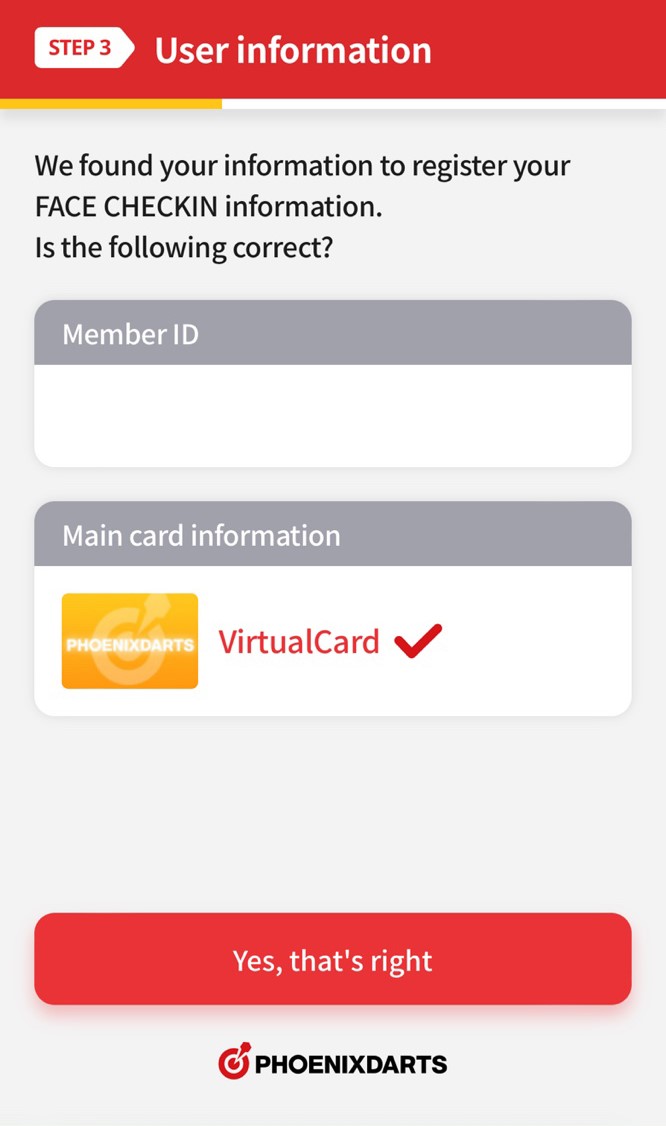
The card with the ✓ Check Mark is the card set as the main card. FACE CHECK-IN will log into the machine using the main card information. The main card settings can be changed in the app after registration.
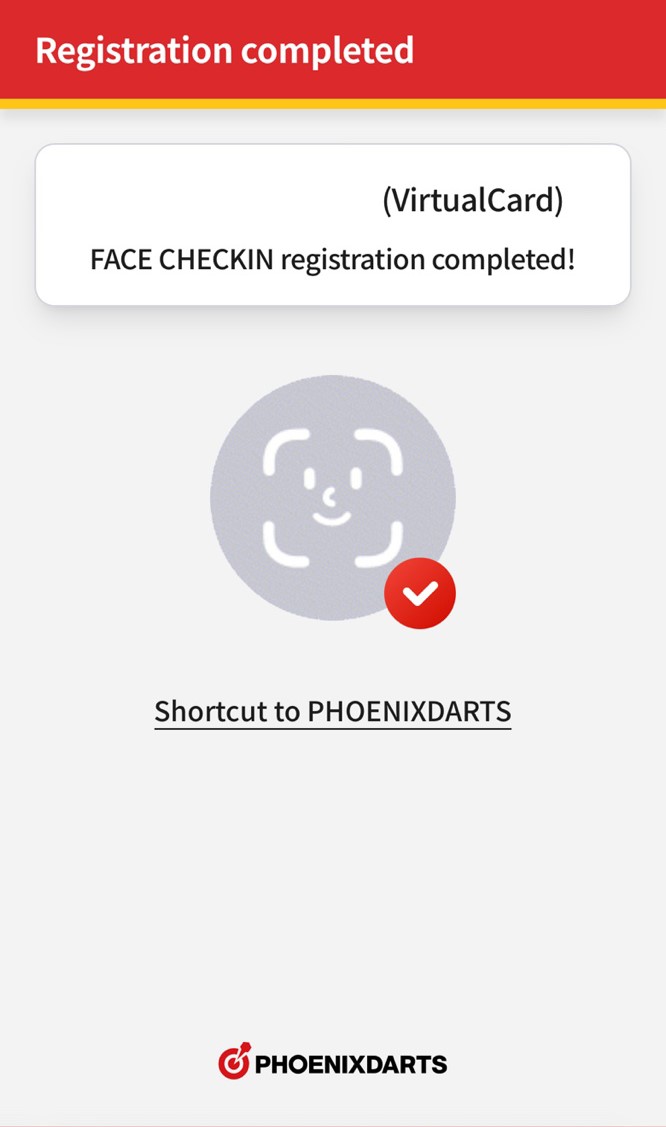
6. Registration Complete!
When you see this screen, your face registration is finished!
Now log in quicky and easy via FACE CHECK-IN on your dart machine!